The Patient Profile page is accessed from the ellipsis menu available in the top-right corner of the Patient Overview page. This page is used to manage and complete all required patient-related forms. These forms must be filled to enable full access to the patient dashboard and its analytics.
Overview #
The page displays multiple cards, each representing a specific form or data section related to the patient. These forms ensure that all necessary information is collected before proceeding with treatment tracking and dashboard insights.
Each card indicates its current status, such as completed or pending, and provides an option to open and fill the form.
Required Forms #
The following forms are essential and must be completed:
- Personal Details
This form captures basic patient information, including contact details, address, and presenting complaint. It serves as the foundational data for the patient profile. - Case Details
This form includes detailed medical information such as patient history, affected areas, medications, and prescriptions. It is important for accurate diagnosis and treatment planning. - Insurance Details
This section captures insurance-related information, including policy details and required documentation. It is used for billing and reimbursement processes. - Physician Details
This form includes information about the primary or referring physician, including contact and workplace details. It helps maintain coordination between healthcare providers.
Each of these forms includes a “View Form” action, which allows users to open, fill, or review the information.
Form Status Indicators #
- Cards marked as Completed indicate that the required information has been successfully filled.
- If a form is not completed, users should open it and provide the required details to proceed.
Completion of these forms is necessary to unlock the full functionality of the Patient Overview dashboard.
ICF and SOAP Section #
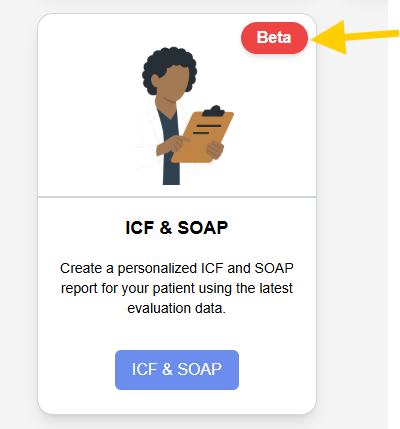
- This section allows users to generate structured reports based on patient evaluation data.
- It is marked as a beta feature and can be used after sufficient patient data is available.
- The ICF and SOAP report helps in standardized clinical documentation.
Forms Section #
At the bottom of the page, additional documents and forms are available:
- Consent Form
Indicates whether the patient has provided consent. The status is shown as completed when filled. Once form is assigned the form can no longer be edited or deleted. - Privacy Policy
Displays the privacy agreement status. It may be in draft or completed state. Users can edit or delete this form if required. - Add Form Option
Users can add new custom forms as needed using the “Add form” option.

Summary #
The Patient Profile page acts as the central location for managing all patient-related forms. Completing the required forms such as personal details, case details, insurance details, and physician details is essential to unlock and effectively use the Patient Overview dashboard.