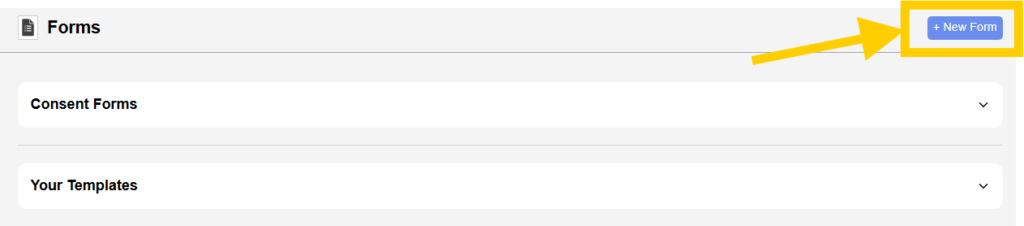
The Forms section is accessed by clicking on the “New Form” option within the Patient Profile page. This section is used to manage, assign, and track various forms required for patient documentation and compliance.
Overview #
The Forms page displays a collection of predefined consent forms along with user-created templates. These forms are organized into sections for easy access and management. Each form is presented as a card containing its title, description, and available actions.
Consent Forms Section #
This section includes a list of standard forms that are commonly required in healthcare workflows. These forms ensure legal, medical, and operational compliance.
Each form card contains:
- Form title describing the purpose of the document
- A short description explaining its usage
- An “Assign Document” button to assign the form to the patient
- An action icon to open or preview the form
These forms are used to collect patient consent, define responsibilities, and ensure proper documentation of services.
Assigning a Form #
- Clicking on “Assign Document” links the selected form to the patient.
- Once assigned, the form can be filled, reviewed, or shared as required.
- This process ensures that all necessary documentation is completed before or during treatment.
Your Templates Section #
This section contains custom or predefined templates created within the system.
- Templates such as Intake Forms or custom Consent Forms are displayed here.
- Users can assign these templates to patients in the same way as standard forms.
- This allows flexibility in managing organization-specific documentation.
Creating a New Form #
- The “New Form” option allows users to directly edit and assign the forms.
- Newly created forms will appear under the Form section in patient profile for future use. They will be editable if form is not assigned.
- This feature supports customization based on specific workflow requirements.
Summary #
The Forms section acts as a centralized area for managing patient documentation. It provides access to standard consent forms and customizable templates, allowing users to assign, track, and manage all required documents efficiently within the system.